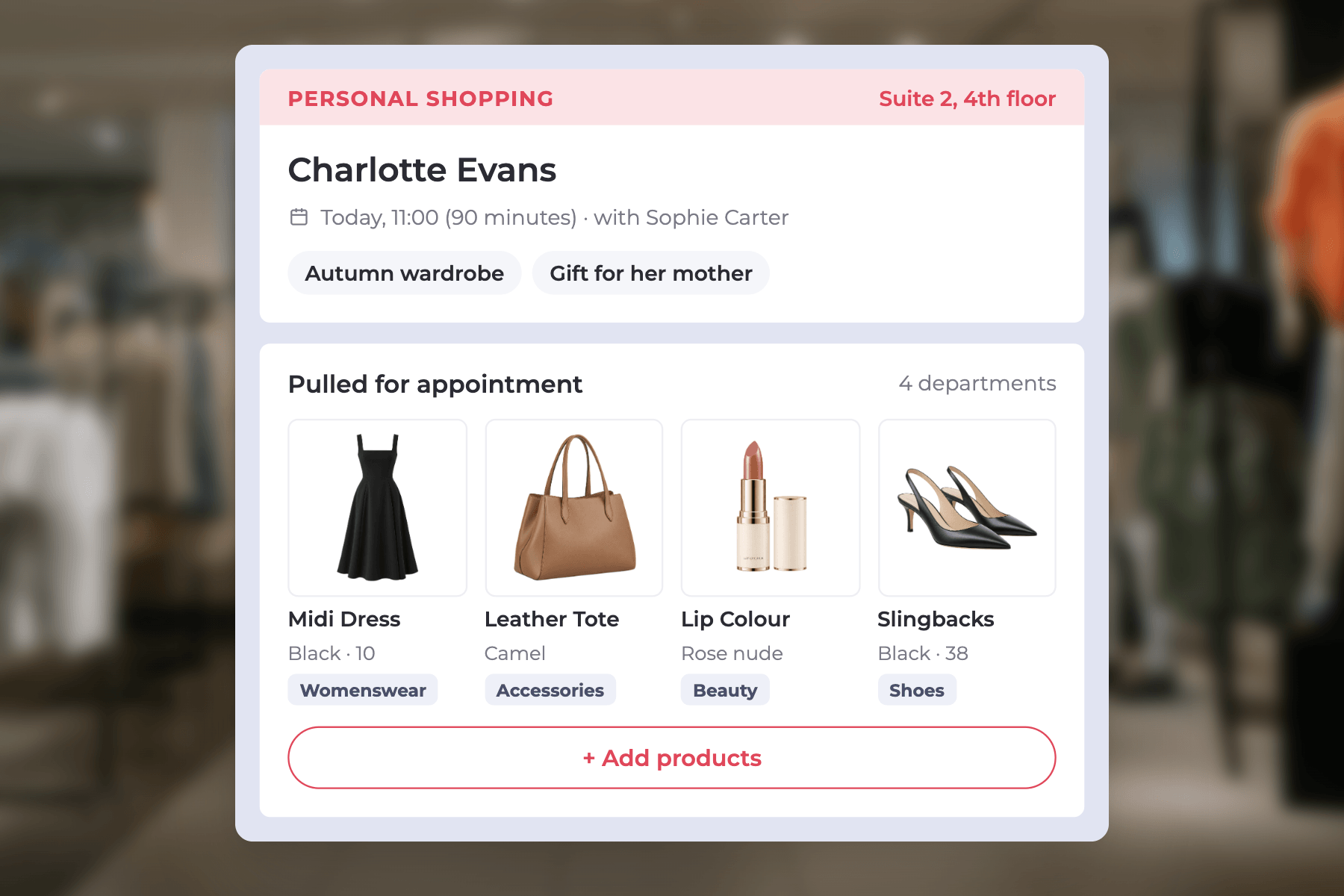

Department Stores

One personal shopper. The whole store. One connected experience.

63%
more monthly spend from clienteled department store customers
360°
view of customer purchases and preferences across every department
1
connected personal shopping journey, from appointment to delivery

Bring personalised shopping to your entire department store

Department stores bring together fashion, beauty, homeware and more, but customer insights are often scattered across floors and concessions. RetailOS® gives personal shoppers one connected view of each customer's purchases, preferences and wishlists, helping them recommend products across categories, manage appointments, payments and deliveries, and deliver a consistent, personalised shopping experience.
01

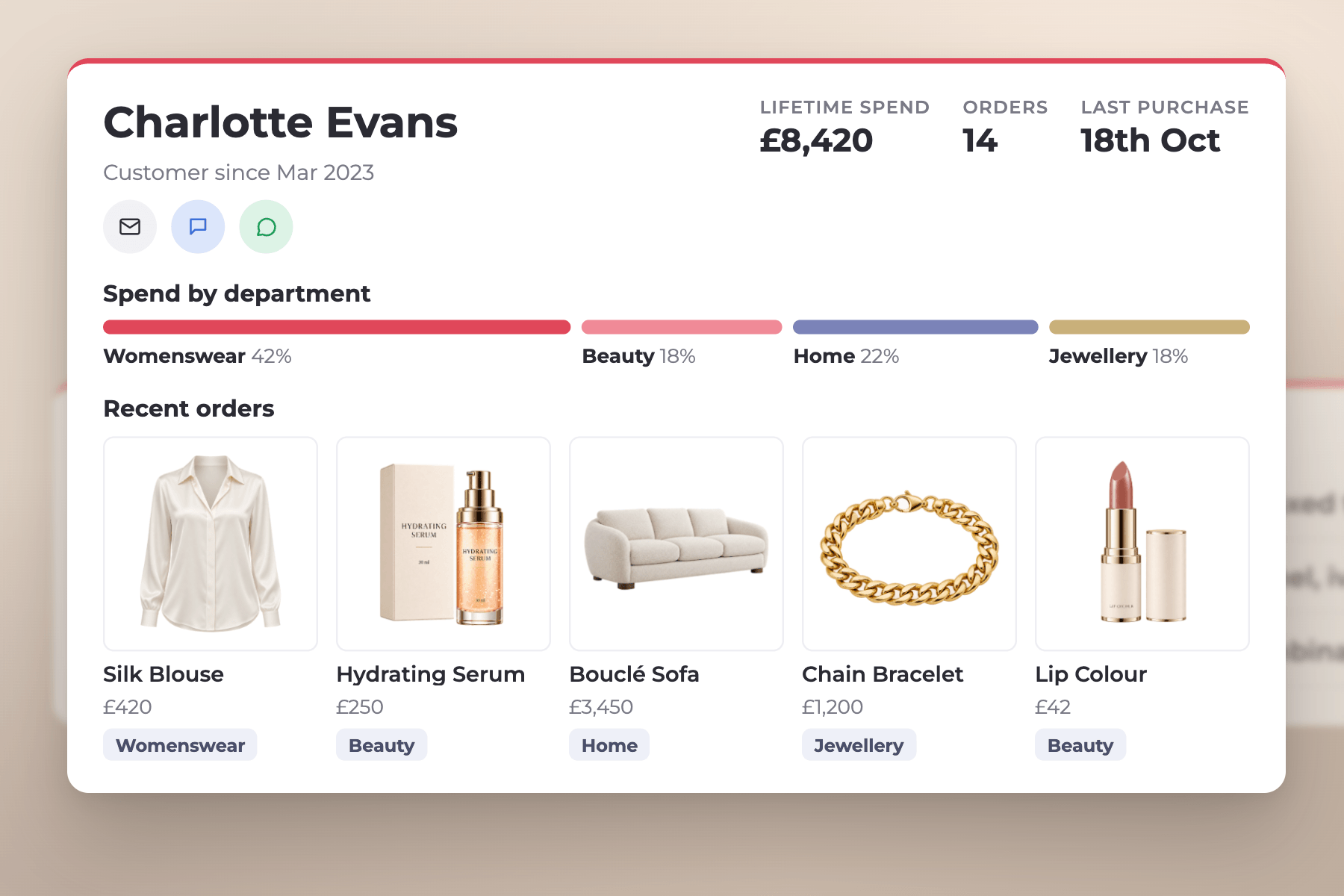
One client profile across every department

RetailOS® connects purchase histories, preferences and recommendations across categories, giving personal shoppers a comprehensive view of each customer. Whether they're shopping for fashion, beauty or homeware, associates can pick up the relationship where it left off and introduce relevant products from across the store.
02

Personal shopping driving cross-category sales

With customer insights, category spending and personalised recommendations in one place, RetailOS® helps personal shoppers make every consultation more relevant. Face-to-face appointments and personalised messaging create opportunities to recommend complementary products, introduce new collections and build lasting customer relationships.
03

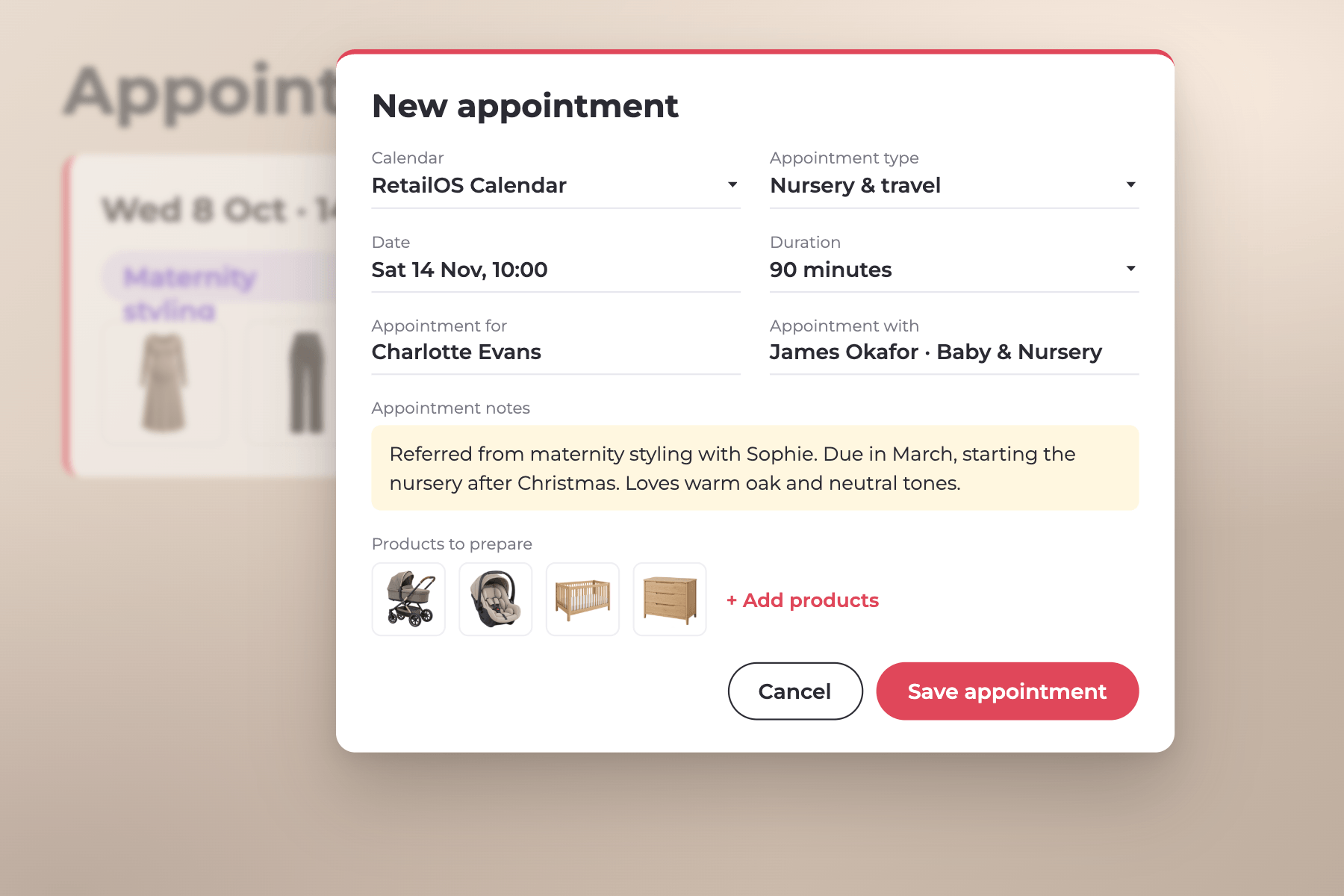
Every life moment, the next appointment

A client who comes in for maternity styling today will be choosing a pram, car seat and nursery next. RetailOS® helps personal shoppers spot the moments that matter, from new babies and weddings to moving home, and book the next appointment with the right department, so one visit becomes a relationship with the whole store.
Concessions

‘Backwall’ sales - for concession

We work with you to build a robust MVP that can be tested in the real world before launch. Our process is designed for adoption, so every associate has what they need to become your best associate.
Follow one sale at a beauty concession, from the counter to the end-of-day report, to see how every purchase is captured against the client and the brand.
01 · Guest user

Concession associate logs a sale

A brand associate on the beauty hall, logged in as a guest user, records Charlotte’s lip colour purchase at the counter.

Guest user · Maya R.
Lip Colour concession
Consession
02 · In the app

Sale assigned to the customer

The sale lands on Charlotte’s profile, so her personal shopper sees it alongside everything else she has bought in store.

Charlotte Evans
Lip Colour · £32.00
Booked
03 · Close of business

Manager reviews total brand sales

The concession manager compares the brand’s till total for the day with the sales recorded in RetailOS®.

Till £4,820 · App £4,310
Lip Colour · 28 Oct
£510 gap
04 · Reporting

Missing sales logged as ‘backwall’

Sales not recorded in the app are logged as backwall, so they are reported separately and the brand’s figures stay complete.

Backwall · 6 sales
£510 logged
Reported
Set up guest users
With limited access to the system. Typically, they’ll have the ability to log sales and assign them to customers only, ensuring you have a record of sales completed by someone who does not work for you. However, to be reliable, this does require training and a close relationship with the other workers on the shop floor.
Sales tracking
Concession managers can review the total sales for their brand at close of business and create a sale in the app for any missing transactions. These are logged as ‘backwall’ sales, allowing them to be identified and reported on uniquely, if required.
Pricing and discounts
RetailOS® has been set up to allow the application of store-wide promotional discounts, which can be applied at checkout.

Transform personal shopping across your department store

Get in touch now to speak to a Red Ant retail solutions specialist.
Thank you! Your submission has been received!
Oops! Something went wrong while submitting the form.